Track expenses and settle up
Record shared spending, choose splits, convert display currency, and settle.
Record spending when it happens
Add the amount, currency, payer, participants, category, and a short description. Recording expenses during the trip reduces missing context later.
Editors can add and update expenses. Viewers can read the budget but cannot change it.
Check the split
Before saving, confirm:
- every person who benefited is included;
- the payer is correct;
- equal shares match the agreement, or switch to a custom split.
Review balances and settle
OpenTrip computes per-member balances and a minimal set of transfers that settles the trip. Review the expense list together before anyone pays.
Display currency conversion
You can view settle-up amounts in another currency using the FX rate table. Conversion helps comparison; it does not rewrite stored expense amounts. The group should still agree on the rate and the final payment method outside OpenTrip.
On mobile
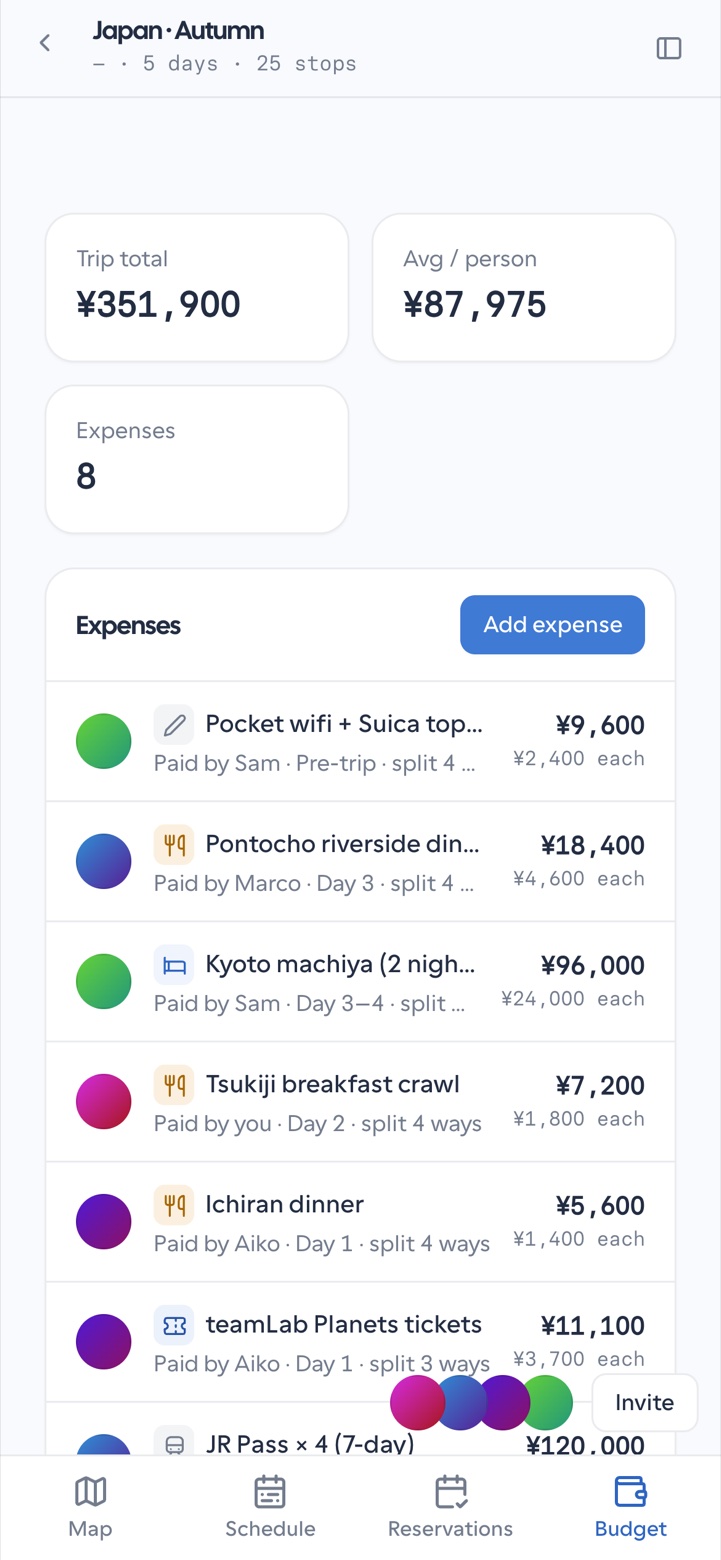
Budget is one of the four planner tabs. The same add-expense and settlement summary flows are available in the mobile shell.
Related
- Collaborate
- Settings and preferences — default currency
- Roles and permissions