WeChat and mobile
Use OpenTrip in WeChat, in a mobile browser, or as an installed PWA.
WeChat Mini Program
OpenTrip has a native WeChat Mini Program that signs you in with your WeChat account and shares the same trips as the web app.
What it covers:
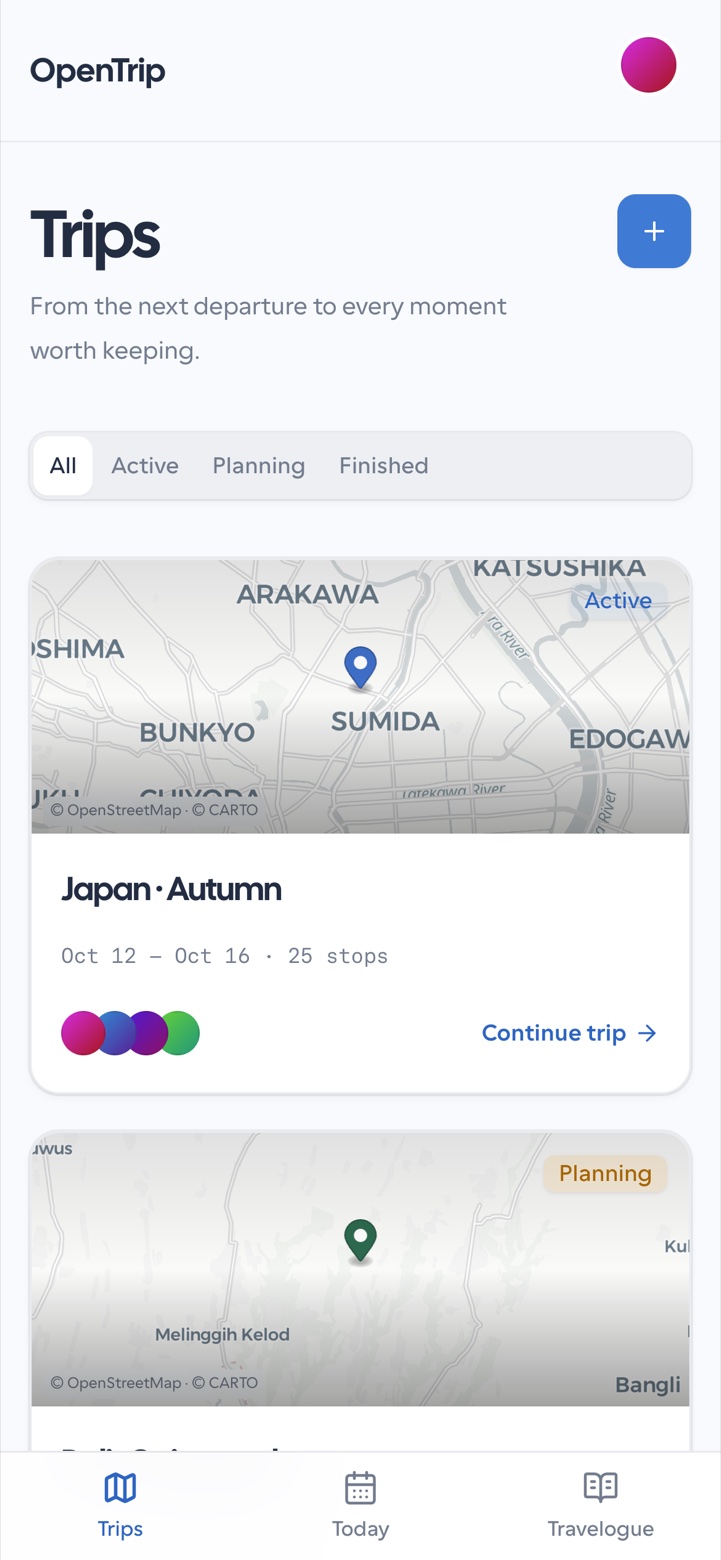
- Trips, Today, and Travelogues as the bottom tabs;
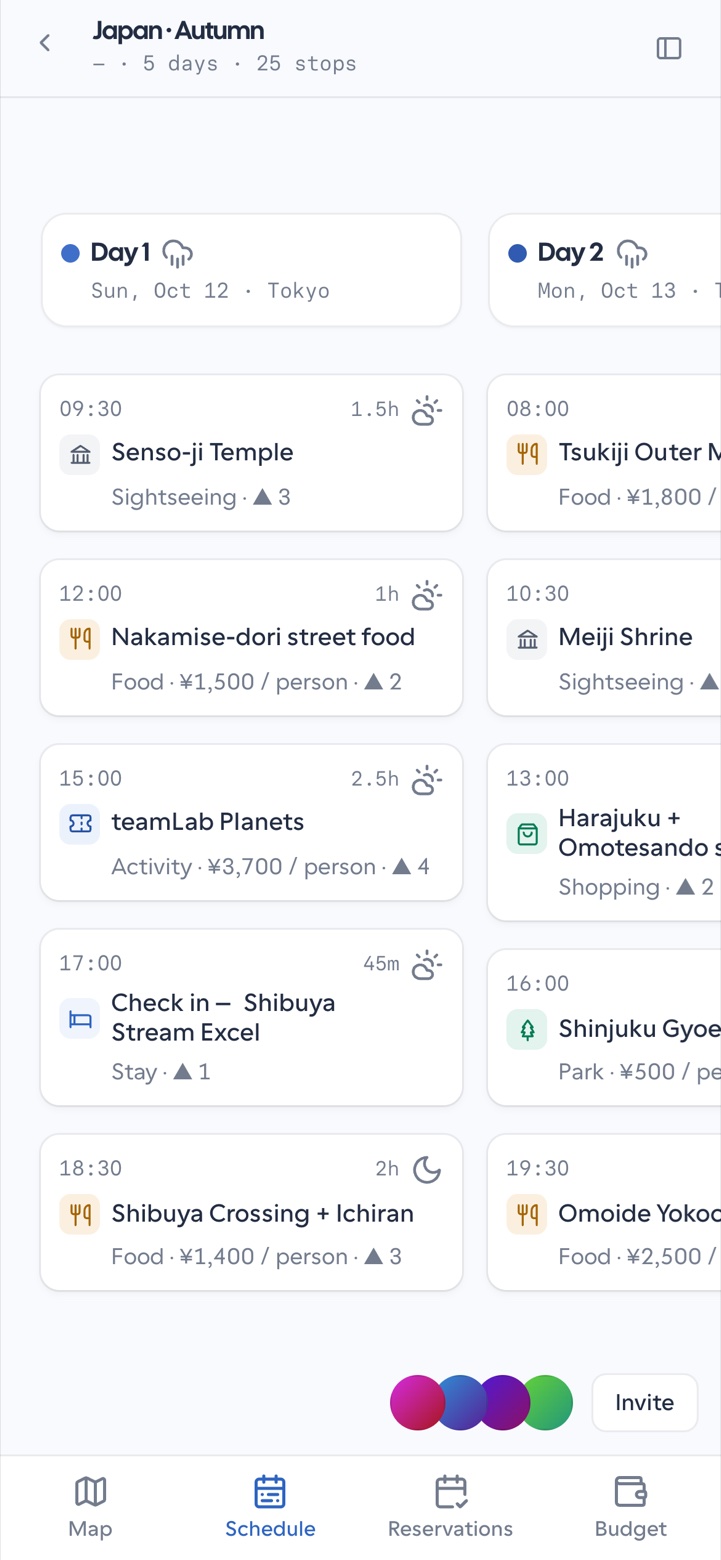
- the trip planner: map, schedule, reservations, and budget;
- the AI companion, member invites, and share cards.
Differences from the web app:
- the map is WeChat's own map, so styling is simpler and street view is not available — tap a stop to open WeChat navigation instead;
- travelogues are stored on the device, as in the web app;
- sign-in is WeChat only; email, Google, and two-factor sign-in live in the browser.
Open a shared trip card or invite link inside WeChat when a companion sends one. Use the native back gesture to leave a trip.
Mobile browser
On a phone browser, OpenTrip uses a compact shell:
- home hub bottom navigation for Trips, Today, and Travelogues;
- planner bottom tabs for Map, Schedule, Reservations, and Budget;
- sheets for itinerary, stop detail, and the companion.
Install as a PWA
Where the browser supports installation:
- Open OpenTrip in the mobile browser.
- Use the browser’s Add to Home Screen / install action.
- Launch from the home screen icon for a fuller-screen experience.
Installed mode still talks to the same account and API. Offline behavior covers cached shell assets; treat trip edits as requiring connectivity unless the UI explicitly says a change is queued.
Permissions and notifications
Profile settings may include permission prompts used by the mobile experience. Grant only what you need (for example notifications). Declining location is fine — Today asks you to name a city or region instead.