Plan a trip
Build a shared itinerary with days, places, routes, notes, and media.
Work from the trip overview
The planner brings the map and schedule together. Use the overview to understand the whole route, then open a day when you need detailed changes.
Planner modes:
| Mode | Use it to |
|---|---|
| Map | See numbered stops and day routes; select a stop for details |
| Schedule | Insert, reorder, and edit stops day by day |
| Reservations | Keep confirmed bookings next to the itinerary |
| Budget | Record expenses and review settlement |
Manage days
On the schedule board you can:
- append a new day;
- update day metadata (title or notes when available);
- reorder days when the sequence changes;
- delete a day you no longer need (remaining days renumber).
Keep transport between cities as explicit stops or reservations so the map and timeline tell the same story.
Add and edit stops
For each stop, set:
- place name and location;
- expected time;
- category (for example Stay, Sight, Food, Transport);
- notes the group will need on the day.
Treat uncertain ideas as proposals and confirmed bookings as commitments. When a day becomes crowded, move or remove stops instead of stacking overlapping times.
Stop detail, notes, and media
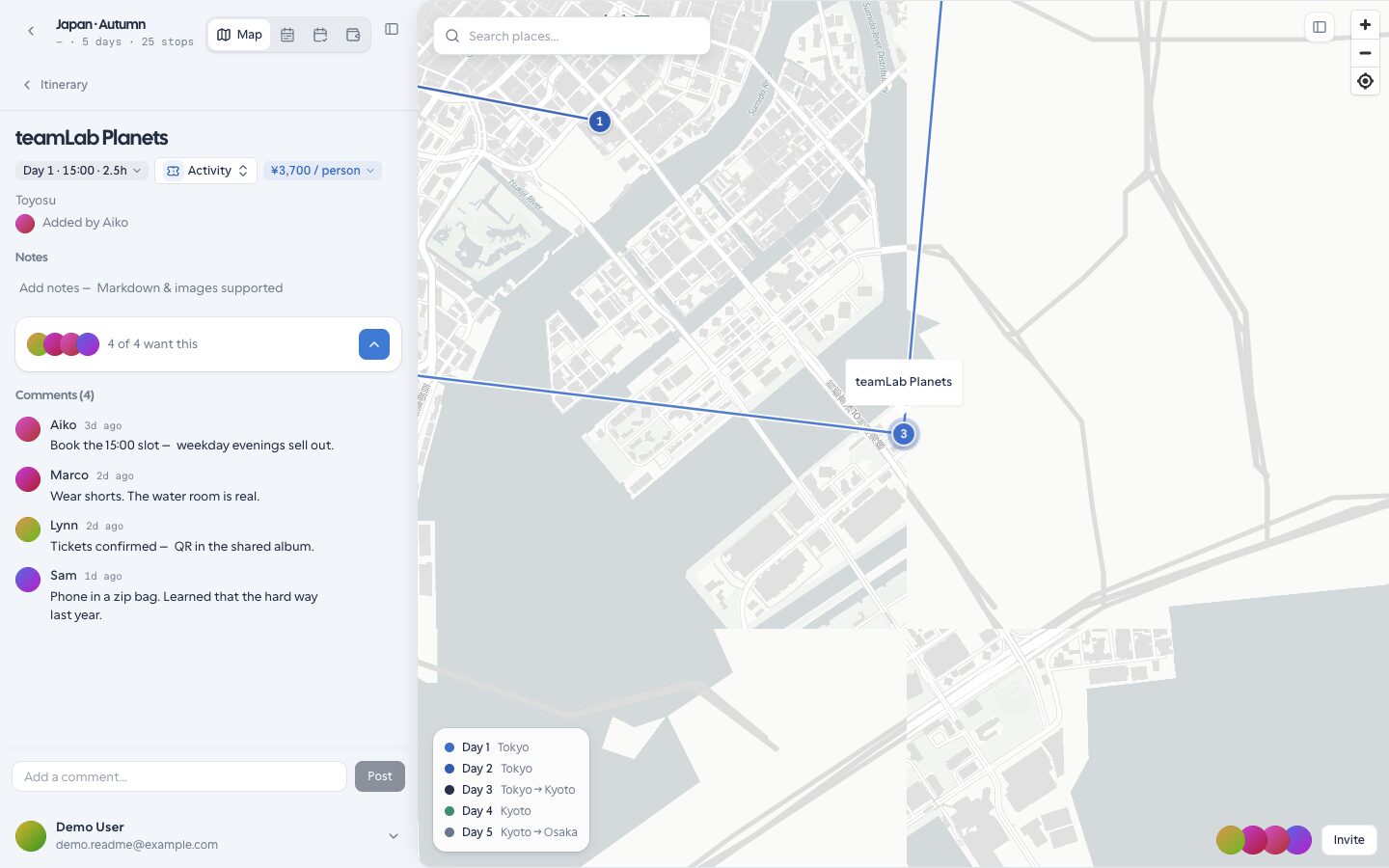
Open a stop to edit timing, category, Markdown notes, and attached images. Upload photos that help the group recognize a place or entrance. Keep passport scans and payment details out of notes — store only what the group needs to travel.
Rename the trip
Use the trip header rename control when the destination or nickname changes. Editors and the owner can rename; viewers cannot.
Related guides
- Map and places — search, pick on map, street view
- Manage reservations — lodging and tickets
- Collaborate — votes, comments, and invites
- AI companion — research and write tools with approval